


LSPDFR 0.4 Installation Guide
Automatic Installation Guide (Recommended)
You might appreciate our Official Tutorial on how to download and install LSPDFR for GTA 5 on Epic Games and Steam Versions. In this tutorial Shockie from the LCPDFR.com Content Team runs seamlessly though the steps needed to install the mod and how to go on duty for the first time.
Manual Installation Guide
Note that the following steps are for manually installing LSPDFR 0.4. They don't cover the automatic installer.
Download LSPDFR
Download LSPDFR. The latest version can be found in the downloads section.
Extract downloaded files
Once LSPDFR has been downloaded, the simplest way to install it is by extracting the files into your Grand Theft Auto V folder. You may be asked to overwrite files, say yes.
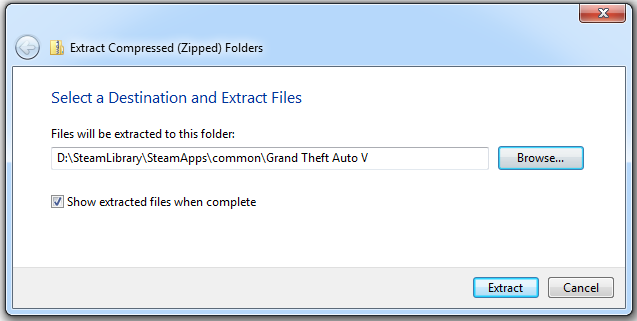
Note that your Grand Theft Auto V folder is the one containing the game (GTA5.exe) and its files.
Verify installation
The files from the LSPDFR download should now be extracted into the game's folder. You should verify that your Grand Theft Auto V folder now contains the following:
- An LSPDFR folder with the following folders inside:
- audio
- chars
- data
- A Plugins folder with LSPD First Response.dll inside
- RAGEPluginHook.exe
If your game folder includes all of these files, it is very likely that your installation of LSPDFR was successful.
Launching the game
To launch the game with LSPD First Response active, simply double click on RAGEPluginHook.exe.
Upon entering the game, you should notice the locations of Police Stations are marked on your map. If so, LSPDFR is now running.